
A home for every boarding pass
Passory is an iPhone app that turns your paper boarding passes into a photo album of your trips.
Download on the App StoreRequires iOS 18 or later. For iPhone.
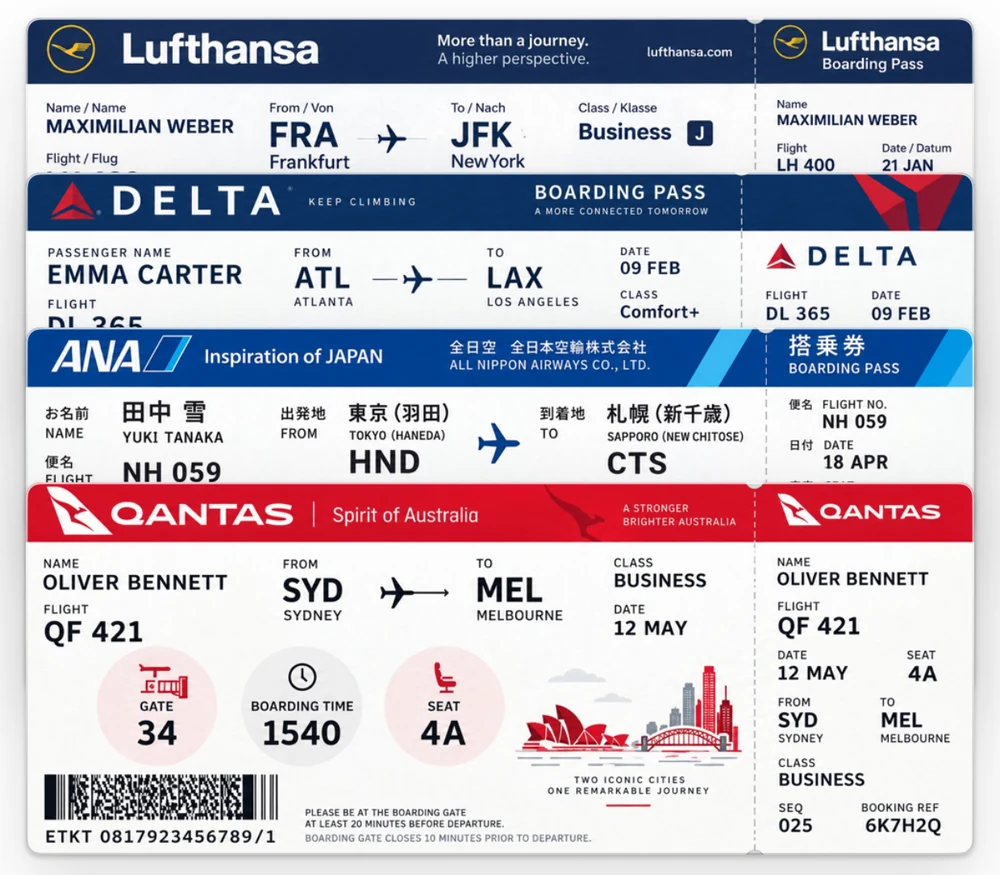
Snap it. Get a clean ticket.
Crooked, creased or catching the light, it doesn't matter. Passory straightens it, lifts the shadows and draws it again, crisp and clean.
 The photo you took
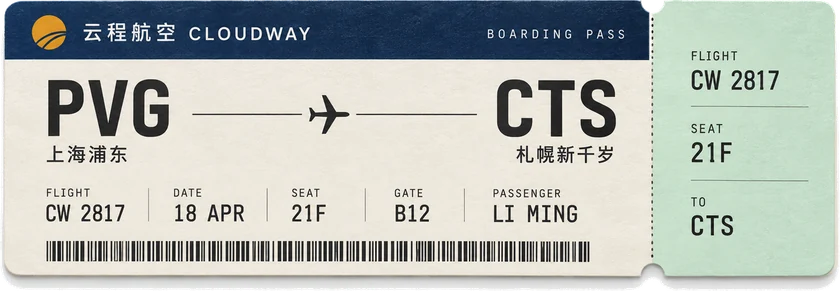 The ticket in your album
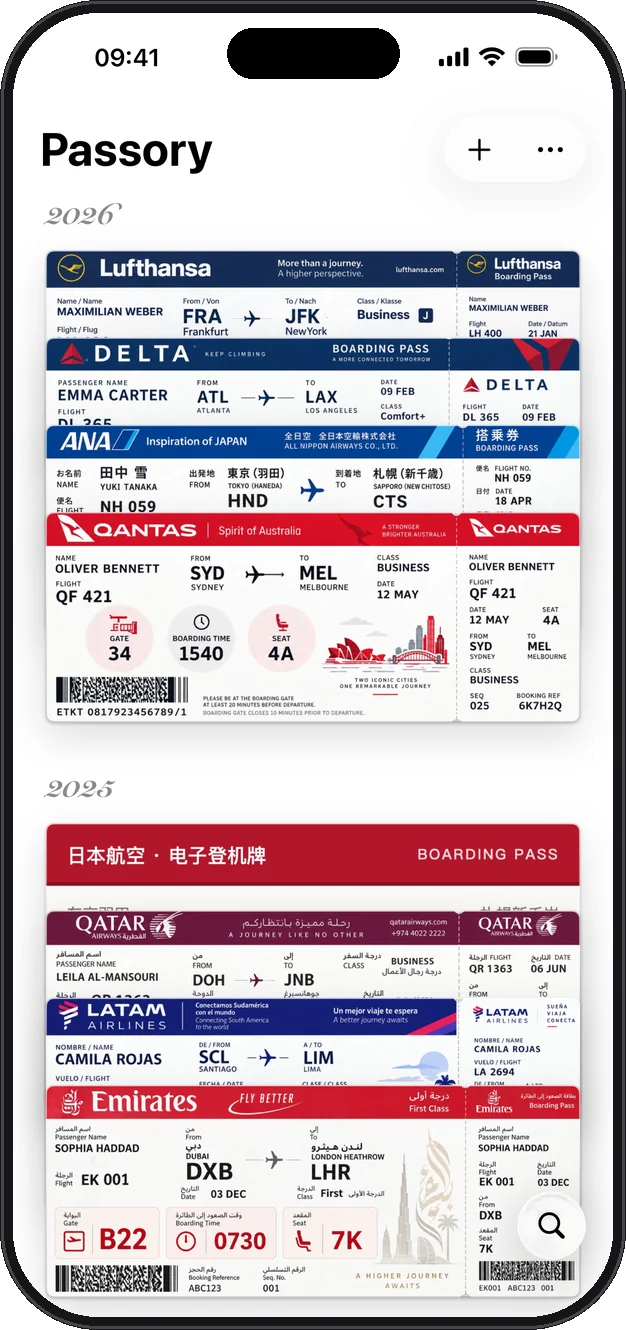
Stacked like Wallet
Your tickets stack up by year, one trip after another. Tap one and it flies out of the pile.
Tear the stub, relive the day
Tear the stub along its perforation, and Passory finds the photos you took at the destination and lays them out as a wall.






Everywhere you've flown
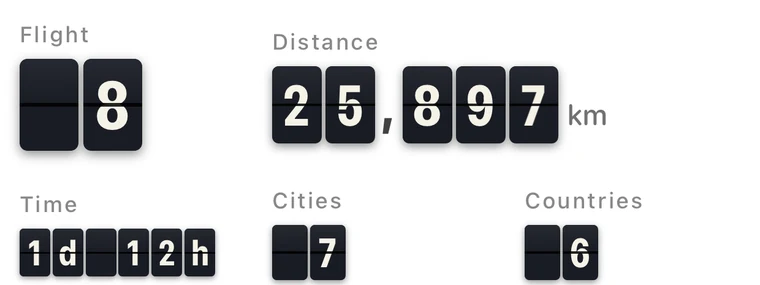
Every flight drawn on the map: how often and how far you've flown, the cities and countries you've seen, your longest routes first.

Fold it into a paper plane
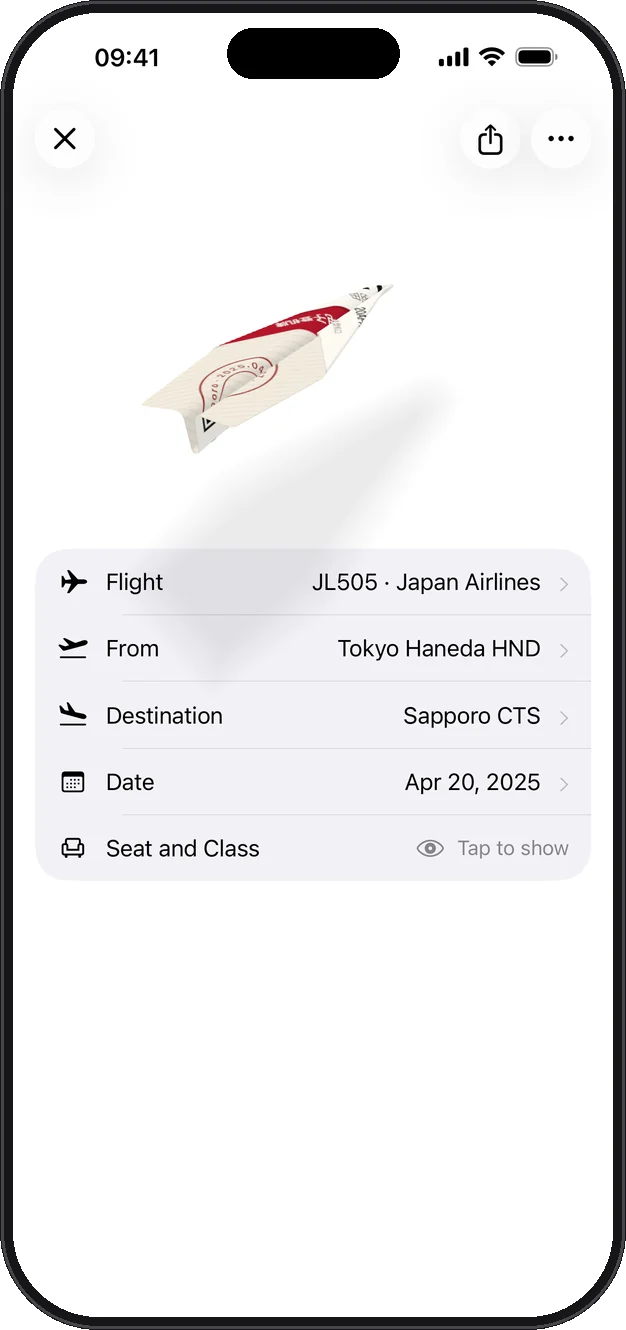
Double-tap an electronic boarding pass to turn it over, and it folds into a paper plane that flies back to that trip's photos.
No stub? Add it anyway
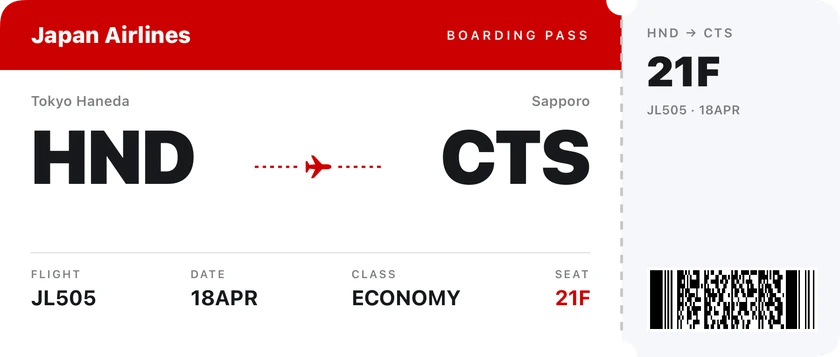
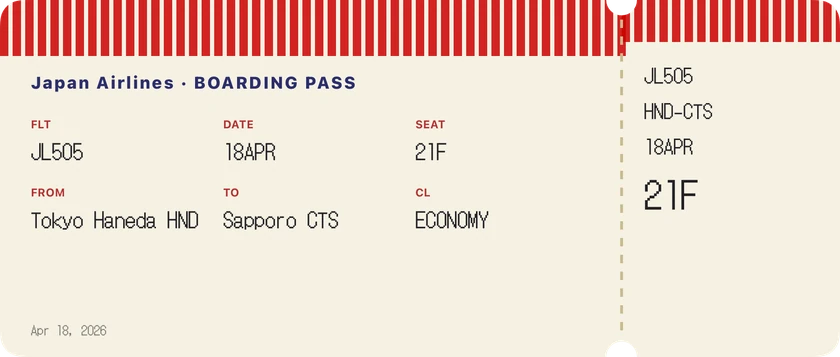
Type in a flight and pick a template: boarding pass, Wallet, Swiss, 1990s, comic and more. Or import your trips from Flighty in one go.






Your tickets stay on your iPhone
No account, no ads, no tracking. Your tickets and photos live on your iPhone, and the photo wall reads your library right there. A ticket's photo is only sent to be redrawn if you agree, and isn't kept.
Free to start. Yours to keep.
Free download
Keep 10 of your own tickets with every feature, and 2 free AI redraws a day.
Full Album, $2.99
One purchase, yours forever, any number of tickets. Not a subscription. Prices in other countries are as the App Store shows them.
Requires iOS 18 or later. For iPhone.
Questions
How do I save a boarding pass?
Tap “+” and photograph a paper boarding pass or ticket stub. Passory straightens it, lifts the shadows and keeps it as a clean ticket. For an electronic boarding pass, choose its screenshot from your photos. A flight with no ticket can be typed in, or imported with the rest of your trips from Flighty (.csv) or Umetrip (.xls).
Is my data uploaded?
Not on its own. There's no account, and your tickets stay on your iPhone, or in your own iCloud if you turn on iCloud Sync. The photo wall reads your library on your iPhone. A ticket's photo is only sent to be redrawn by AI if you agree, and isn't kept.
How is Passory different from Flighty?
Flighty is for tracking flights as they happen. Passory doesn't track flights: it keeps the ones you've taken as an album, with each boarding pass and stub as it looked, the trip's photos behind a torn stub, and everywhere you've been on a map. They work well together: trips exported from Flighty import straight into Passory.
What's the difference between free and the Full Album?
Free keeps 10 of your own tickets (the samples don't count) with every feature. The Full Album is one purchase, not a subscription, for any number of tickets; on a new phone, tap “Restore Purchase” with the same Apple ID.
Where can I download it?
On the App Store in the US, UK, Canada, Australia, Japan, Hong Kong, Taiwan, Singapore and most other countries. It isn't yet available in mainland China or the European Union.